BACnet Connection
SolarNode supports BACnet integration through IP networks.
This component is included in the solarnode-app-io-bacnet-bacnet4j package in SolarNodeOS. You can install this package on the System > Packages page in SolarNode.
Use
Once installed a BACnet/IP connection components will appear on the Settings > Components page on your SolarNode. Click on the Manage button to configure networks. You will need to add one configuration for each BACnet network you want to collect data from.

SolarNodeOS port considerations
By default SolarNodeOS has a built-in firewall enabled that will not allow access to arbitrary IP
ports. If using BACnet/IP, the port the BACnet network runs on (the standard port is 47808) must
be opened in the SolarNodeOS firewall. To open port 47808, you'd add the following
lines to the firewall configuration:
# Allow BACnet
add rule ip filter INPUT udp dport 47808 accept
Settings
The BACnet/IP connection allows you to connect to a BACnet device on a specific IP address (or hostname) and port number using the UDP protocol.
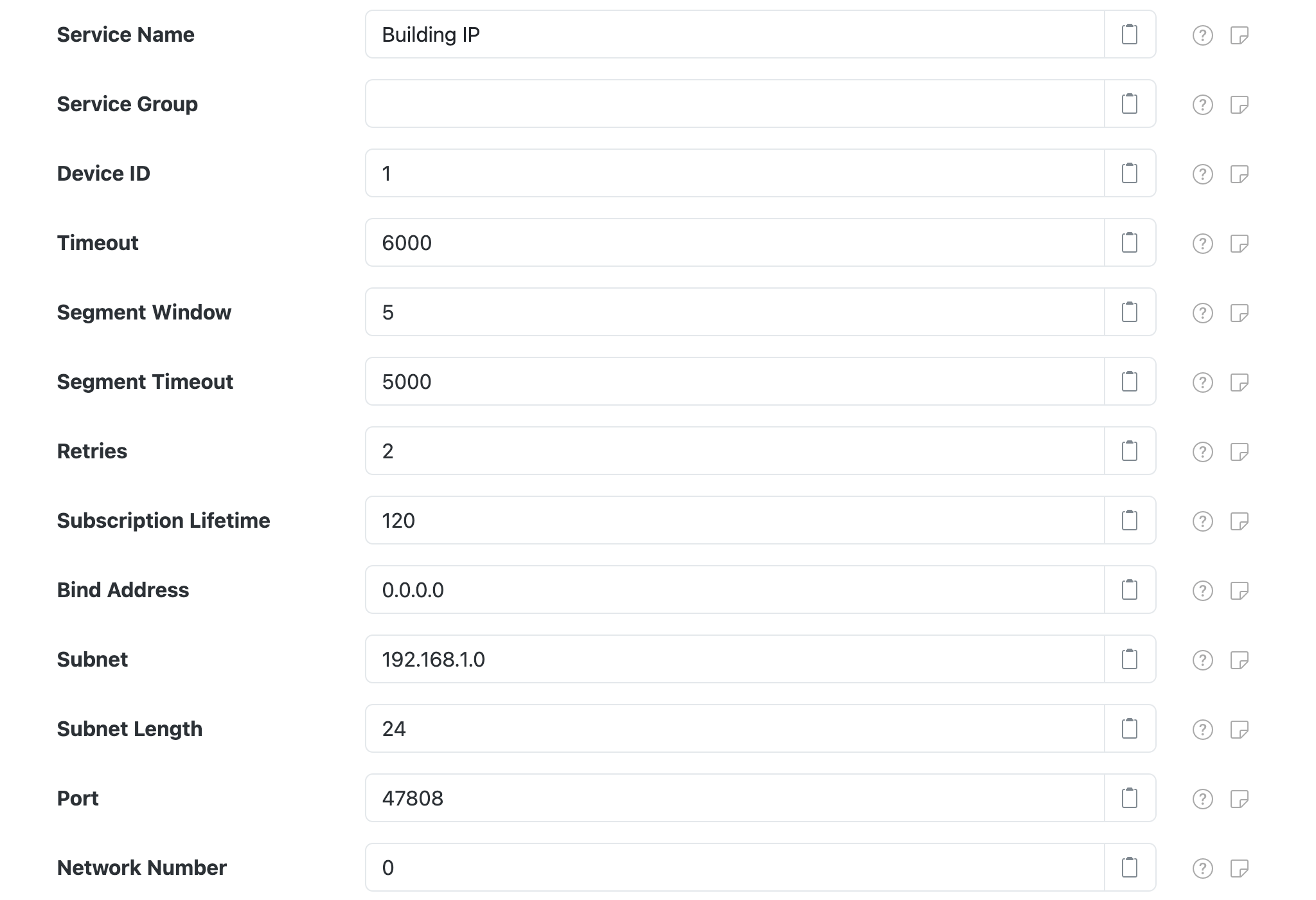
Each configuration contains the following overall settings:
| Setting | Description |
|---|---|
| Service Name | An optional unique name to identify this component with.  This is the value you will need to configure on other SolarNode components to make use of this connection. This is the value you will need to configure on other SolarNode components to make use of this connection. |
| Service Group | An optional group name to associate this component with. |
| Device ID | The BACnet device identifier to use for this component. SolarNode will present itself to the BACnet network with this ID, so it should not conflict with any existing device IDs from other BACnet devices on the network. |
| Timeout | A timeout to use when communicating with BACnet devices, in milliseconds. |
| Segment Window | The BACnet network segment window. |
| Segment Timeout | The BACnet network segment timeout, in milliseconds. |
| Retries | The network operation retry count. |
| Bind Address | The local IP address of the network interface to bind to, or 0.0.0.0 for all available interfaces. |
| Subnet | The IP subnet address, for broadcast messages. |
| Subnet Length | The IP subnet network prefix length, for example 24 or 16. |
| Port | The IP port to use. The default BACnet port is 47808. |
| Network Number | The BACnet network number to use. |