GPIO Control
SolarNode can read and write to digital general purpose input/output (GPIO) lines widely available on SolarNode devices like the Raspberry Pi.
To turn the GPIO lines into a datum stream you can use the Controls Datum Source plugin.
This component is included in the solarnode-app-control-gpiod package in SolarNodeOS. You can install this package on the System > Packages page in SolarNode.
Use
Once installed, a new GPIO Control component will appear on the Settings > Components page on your SolarNode. Click on the Manage button to configure controls.

Settings
Each component configuration is specific to a single GPIO device. You can configure SolarNode controls for any of the GPIO lines supported by the device.
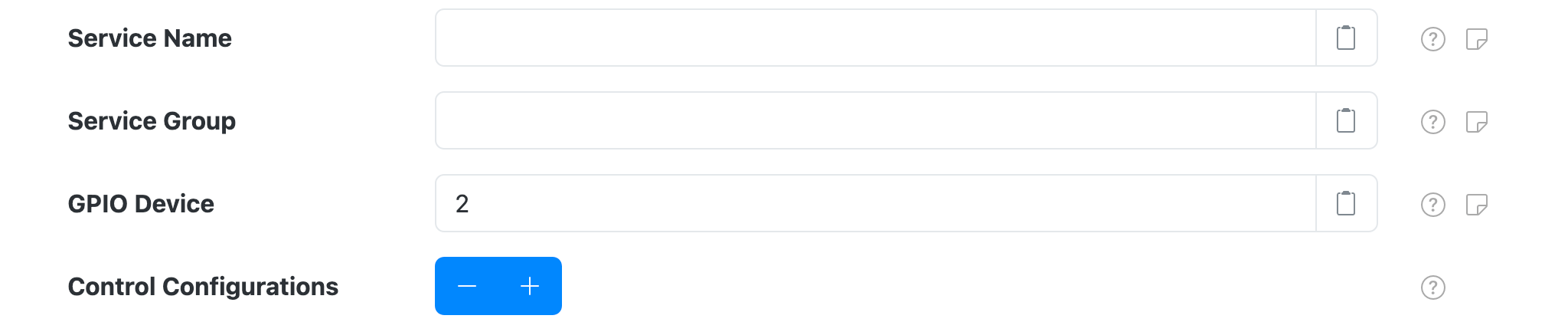
The configuration contains the following overall settings:
| Setting | Description |
|---|---|
| Service Name | A unique name to identify this data source with. |
| Service Group | A group name to associate this data source with. |
| GPIO Device | The GPIO device. Can be specified as a number, starting at 0, or a full system device path.  On some systems only a full system device path can be used, for example On some systems only a full system device path can be used, for example /dev/gpiochip0. |
| Control Configurations | A list of Control Settings. |
Control Settings
A control configuration maps a GPIO line to a SolarNode control. The control will be a Boolean
type, where the value is either true or false, encoded as 1 and 0.
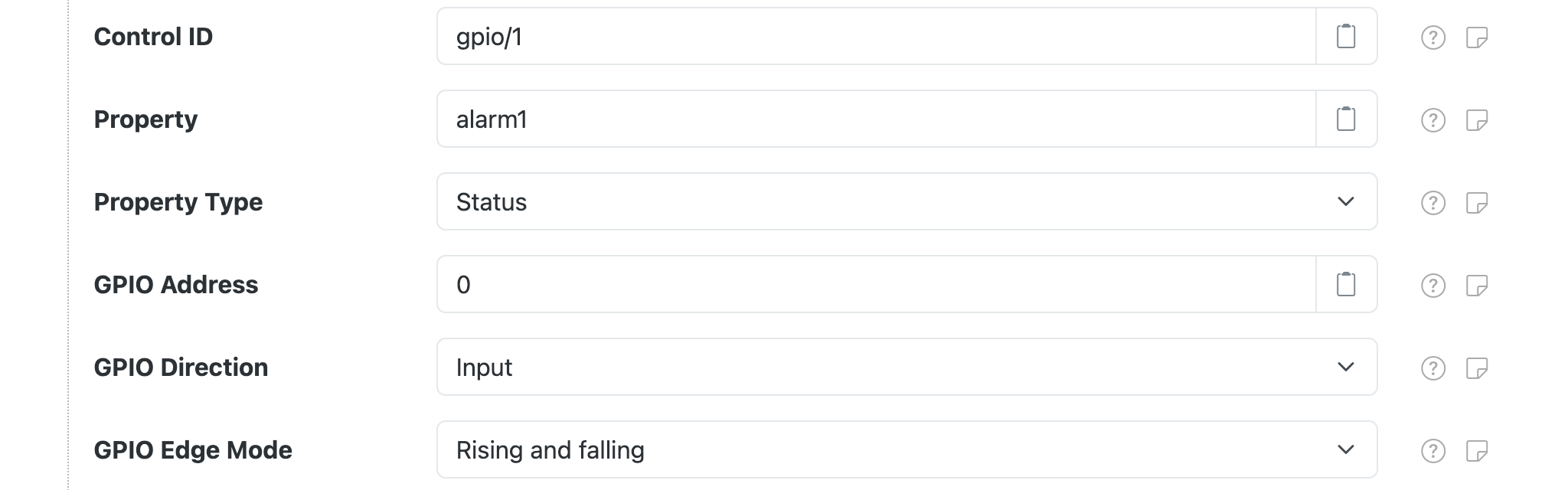
Each control configuration contains the following settings:
| Setting | Description |
|---|---|
| Control ID | The ID to use for the SolarNode control. This should be unique amongst all control IDs configured on a single node. Placeholders are supported. |
| Property | The name of the control property to save the GPIO line value to. |
| Property Type | The property type to use. |
| GPIO Address | The GPIO line address, starting from 0. |
| GPIO Direction | The I/O direction of the GPIO address. |
| GPIO Edge Mode | When to report changes in digital IO lines. See GPIO Edge Mode. |
GPIO Address and Control ID must be unique
A GPIO Address can only be configured on a single control configuration. An
ERROR log will be generated if you configure more than one control configuration with the same
GPIO Address value.
Similarly, a Control ID can only be configured on a single control configuration. An
ERROR log will be generated if you configure more than one control configuration with the same
Control ID value.
GPIO Edge Mode
The GPIO Edge Mode setting allows you to configure when to capture changes in digital input
lines. The default mode is Rising and falling so the control will capture both when the line
turns "on" (the control value will be 1) and when the line turns "off" (the control value will be
0).
| Mode | Description |
|---|---|
| Rising | When voltage changes from low to high (turns "on"). |
| Falling | When voltage changes from high to low (turns "off"). |
| Rising and falling | Capture both Rising and Falling events. |