Datum Imports Monitor
Track the progress of a datum import job.
Usage
s10k datum imports monitor
    -j=<jobId>
    [-mode=<displayMode>]
Options
Output
For pending jobs, a progress indicator showing the overall progress of the import job. Once complete, the final job status information will be shown.
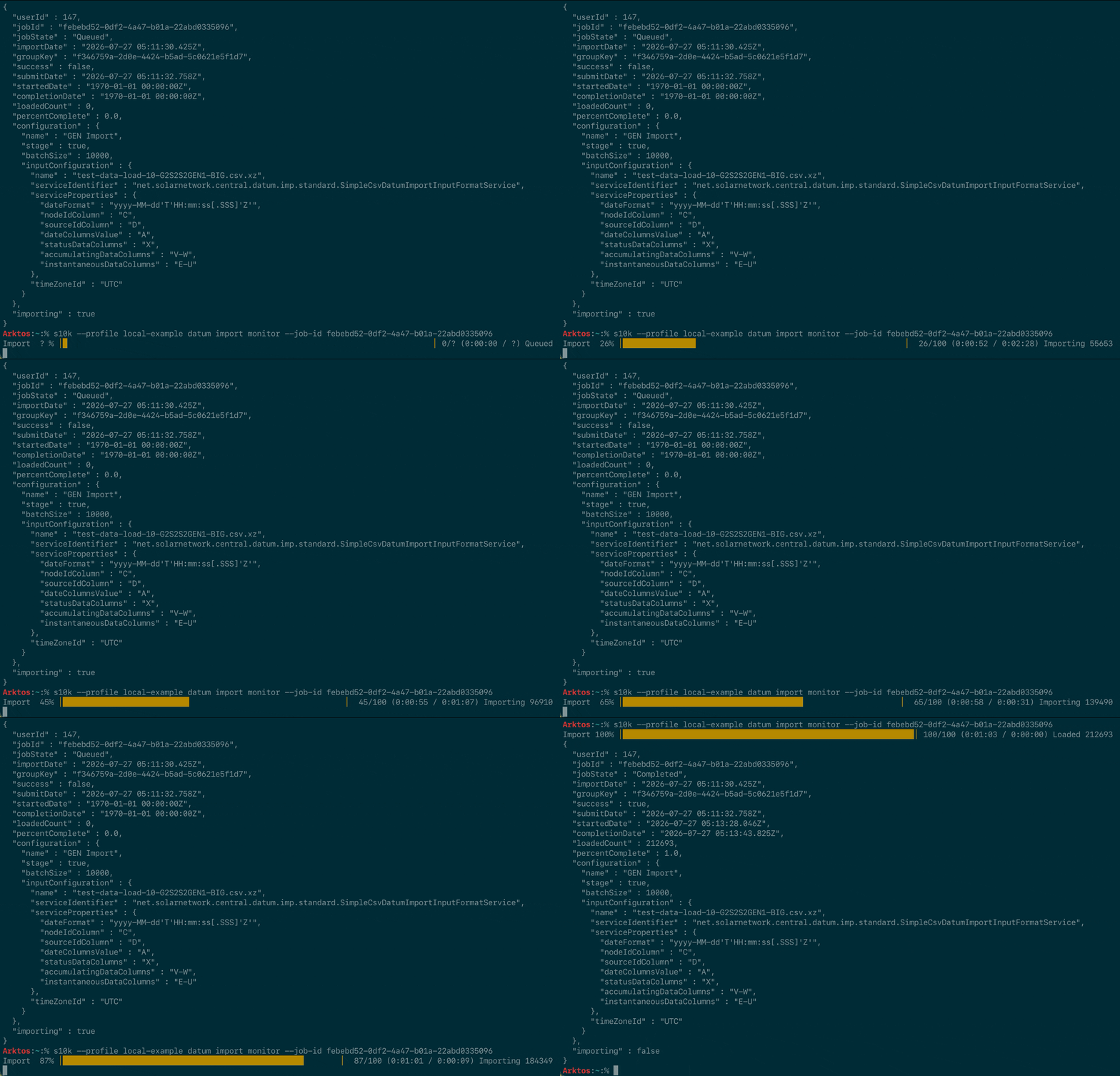
Examples
s10k datum imports monitor --job-id 49a2f730-0000-0000-0000-233d085c799a
You can use imp instead of imports:
s10k datum imp monitor --job-id 49a2f730-0000-0000-0000-233d085c799a